 BiSChat
Merchant
Take orders. Know your customers.
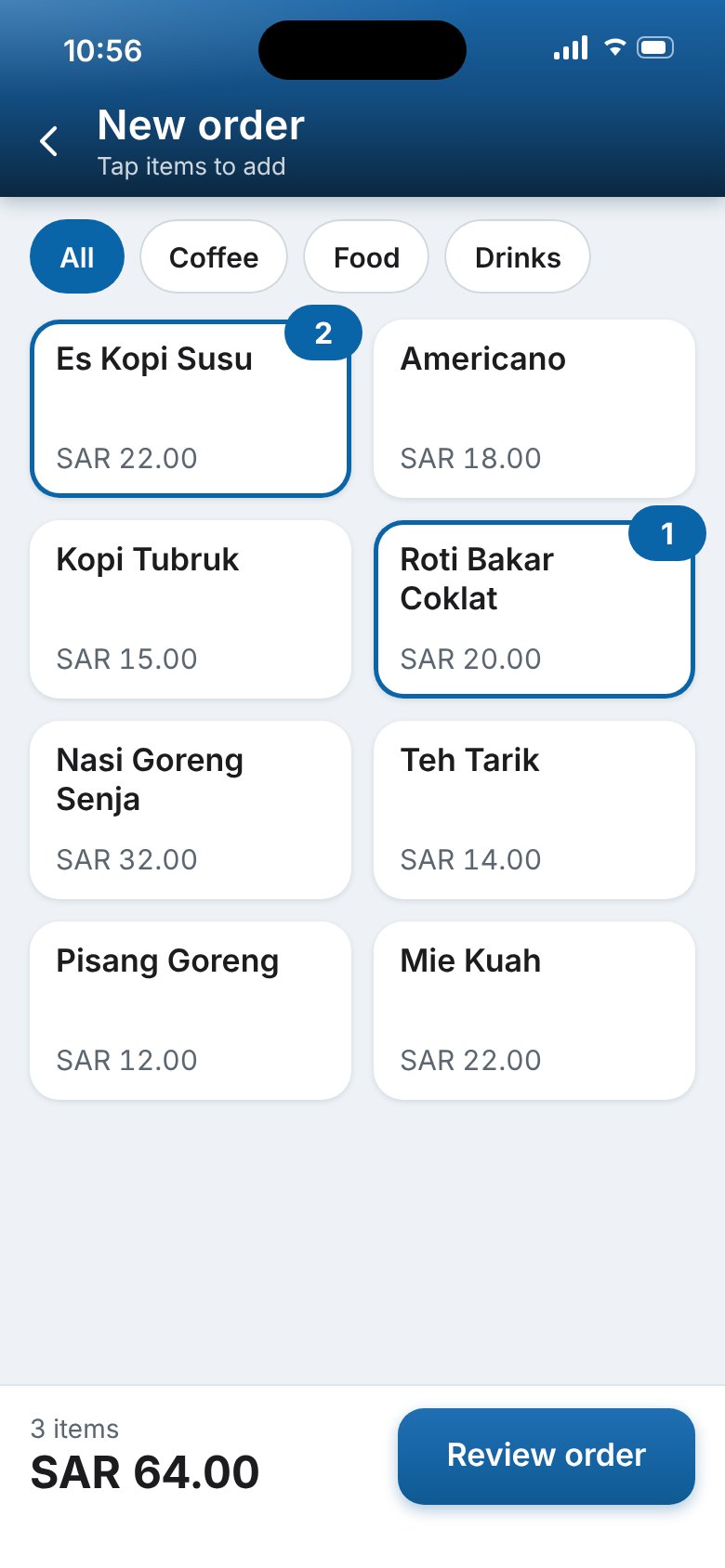
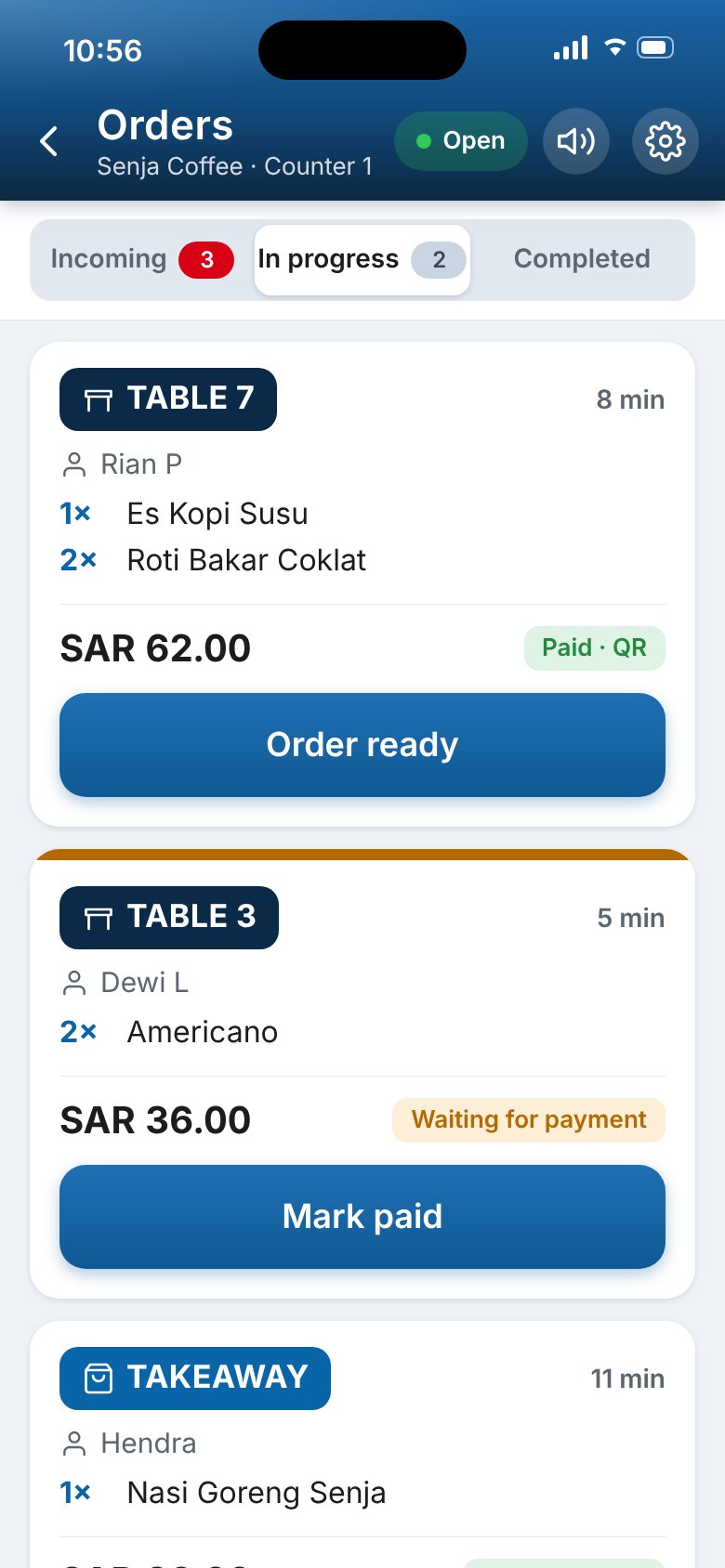
BiSChat Mini POS runs your counter from one phone. Customers order over Bluetooth and share only a PIN.
Bluetooth and PIN
Two things to ask for. Nothing else.
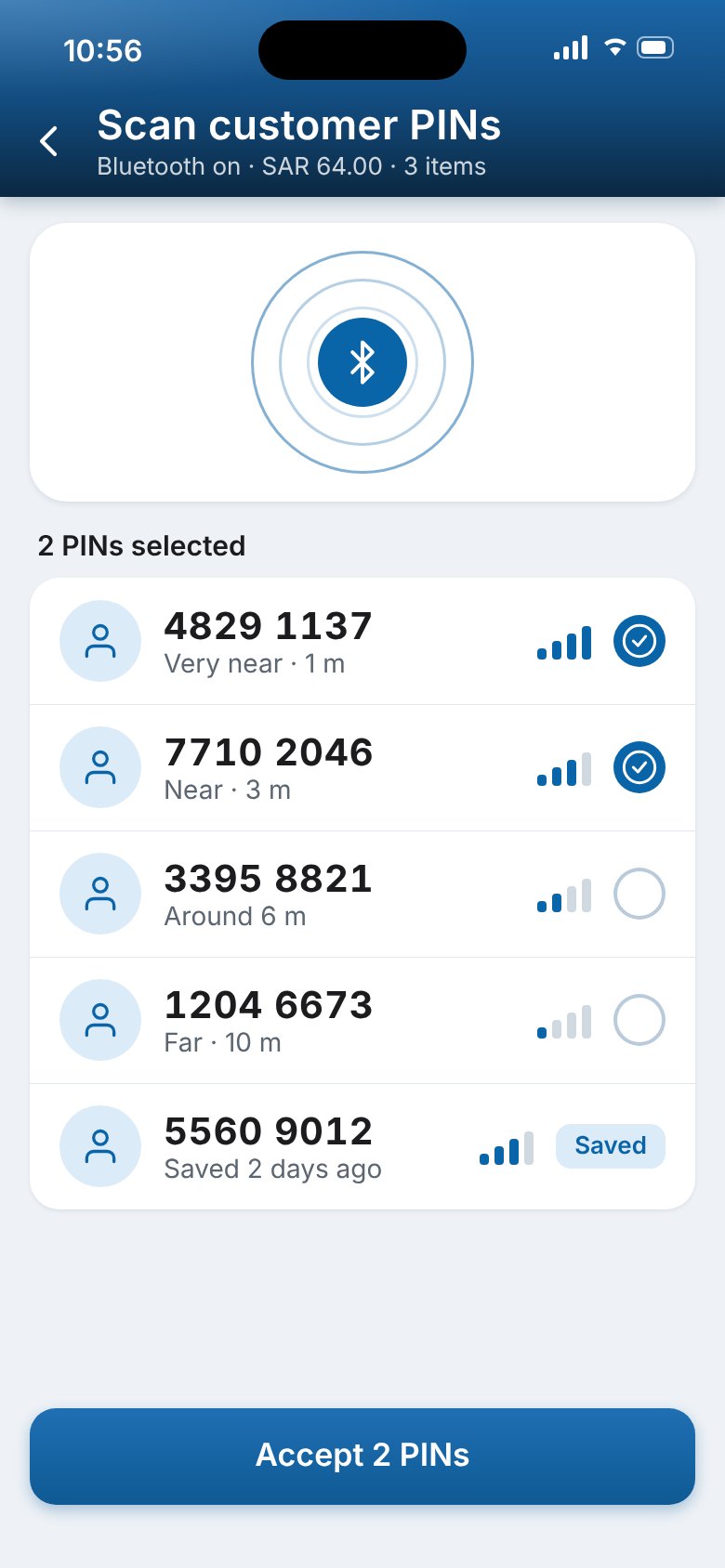
Customers come close and share a PIN. You get their order, and a customer list you can reach.
Find customers at your counter.
Your phone scans over Bluetooth and lists the BiSChat customers near you, with how far each one is. Tap their PINs to add them to the order.
A PIN, not a phone number.
Customers share only a PIN. Their phone number is never shown to you.
Your own customer list.
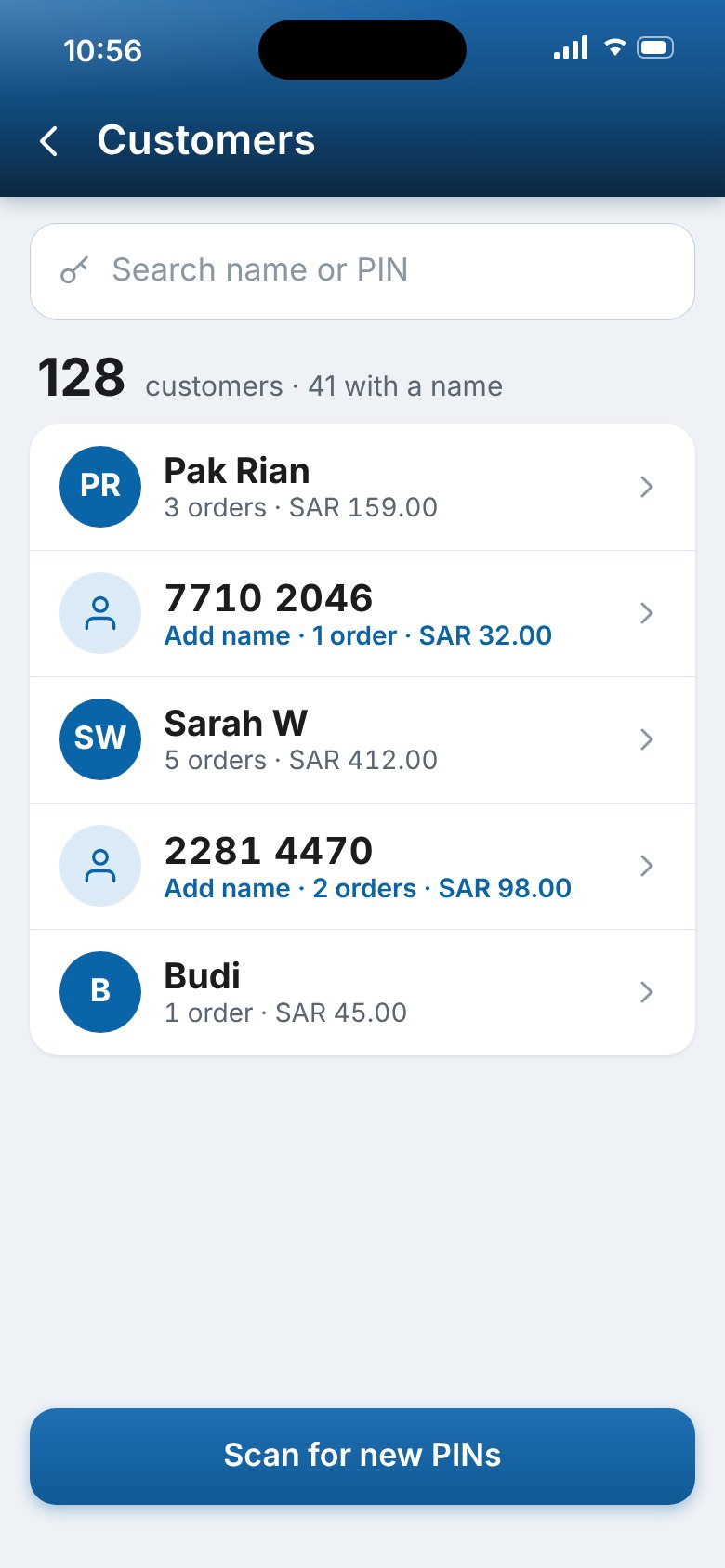
Every PIN you accept is saved with its orders and total spend. It builds itself as people order.
Promos without spam.
Send an offer to your saved customers through Bisms. It only reaches people who ordered from you, so it does not feel like spam.
Payments
Customers pay their way. The money comes straight to you.
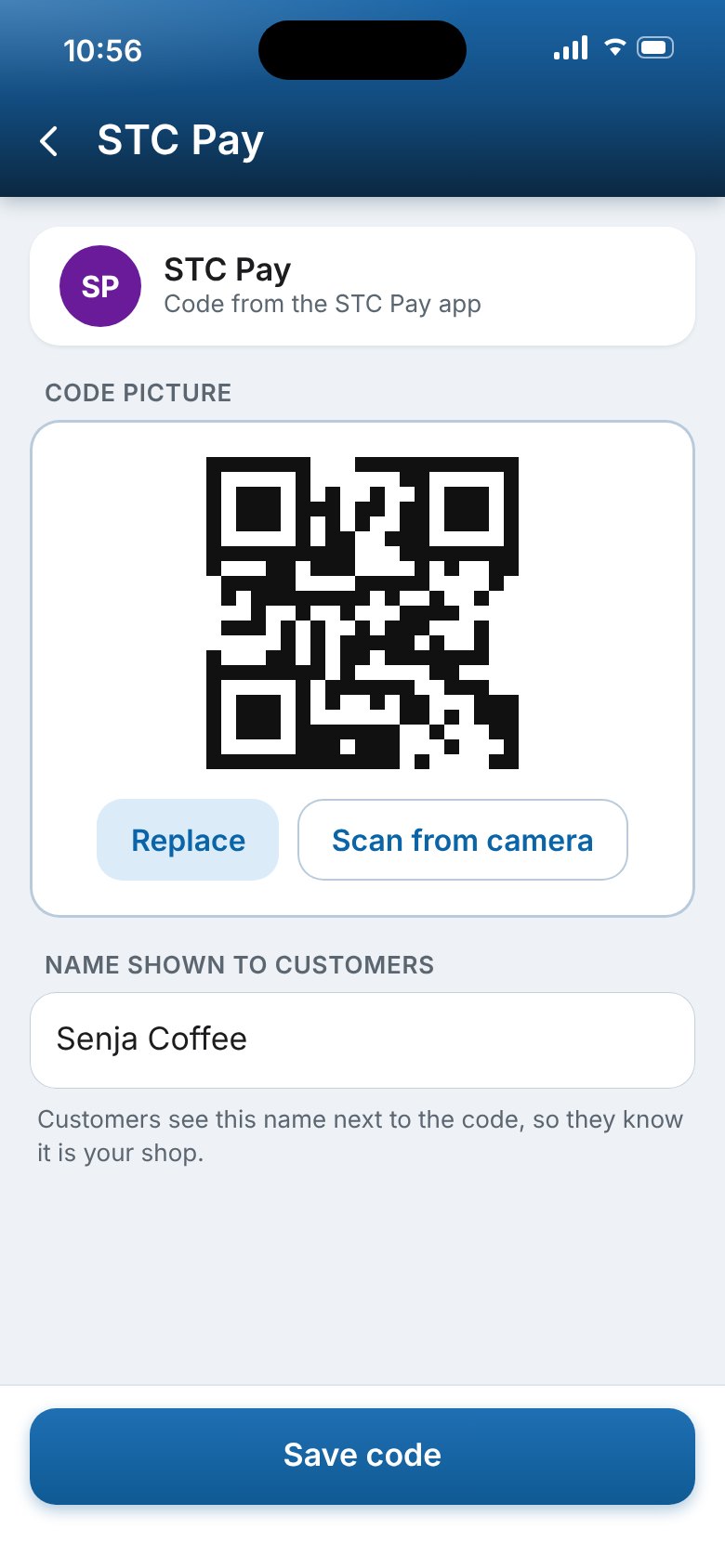
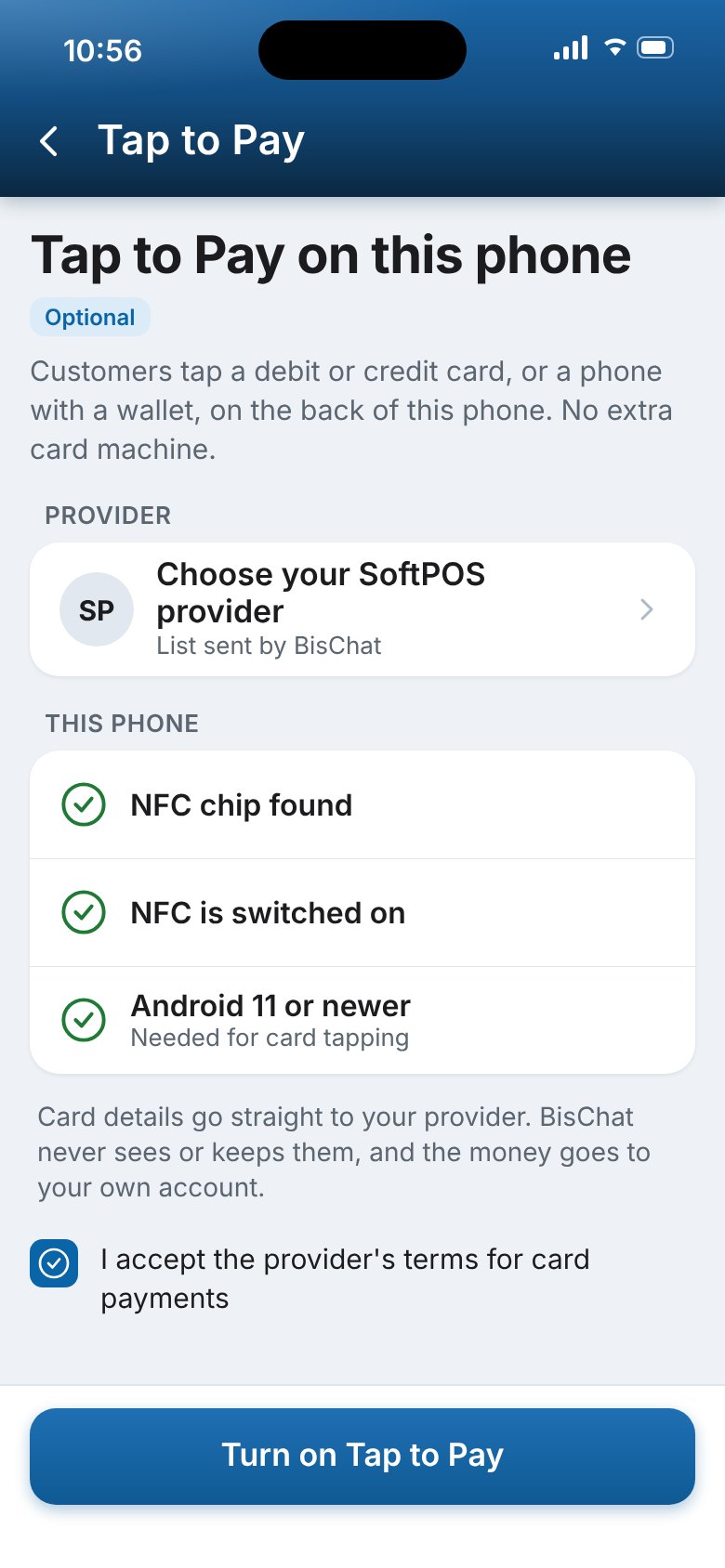
Add the bank and wallet codes you already use. Take cash and cards at your own counter, or turn on Tap to Pay on the phone. BiSChat never holds your money.
Reports
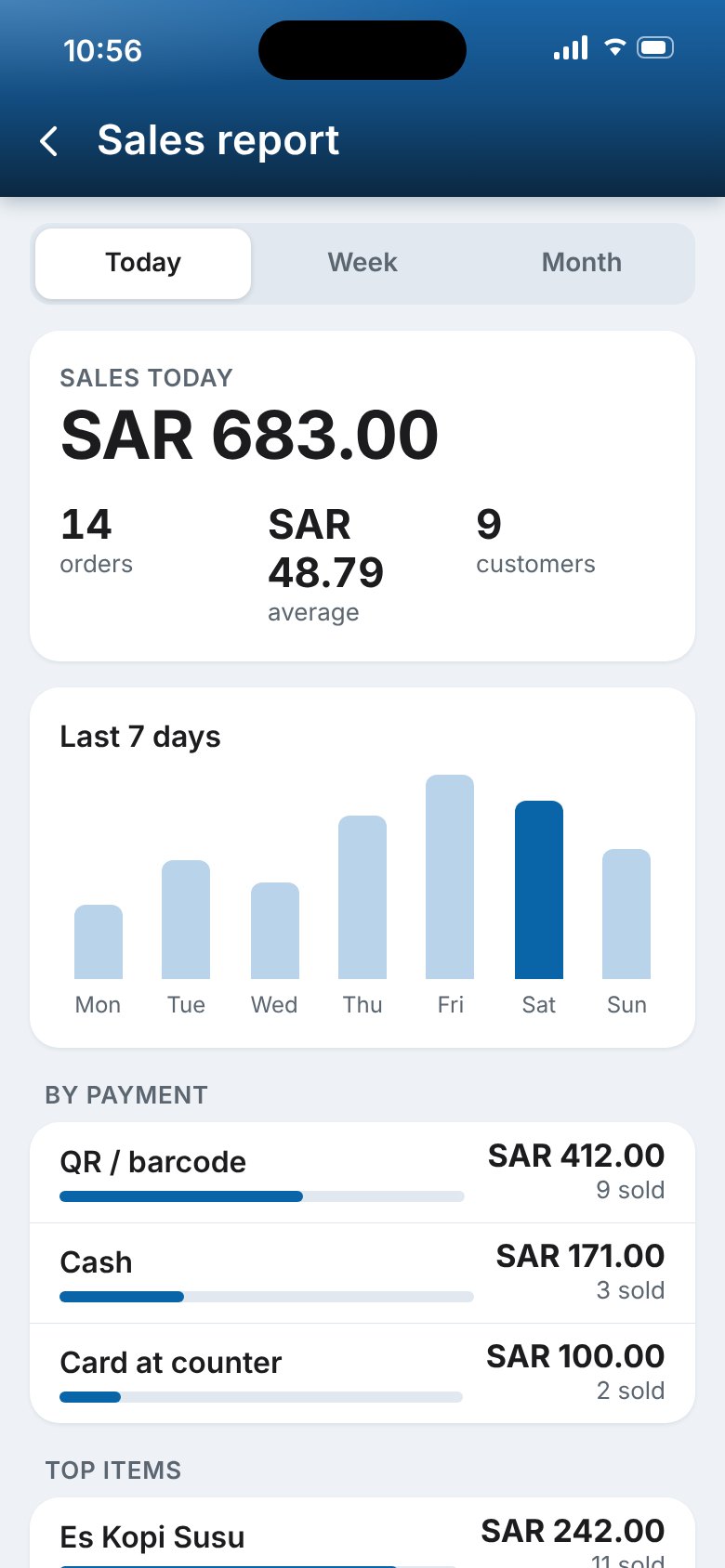
See your day at a glance.
Sales, orders, average spend, top items and how customers paid. Close the day and print a summary.
Launch offer for new merchants.
Offer details to be confirmed by BiSChat
How to start
Four steps to your first order.
- Create your account.Tell us about your shop and verify your phone.
- Add your menu.Upload a PDF or a photo of your menu, or add items one by one.
- Choose how customers pay.Add the bank or wallet codes you already use.
- Scan PINs and take orders.Open Mini POS, accept the PINs near you and start selling.
Questions
Before you sign up.
Do customers have to give me their phone number?
No. They share only a PIN. Their phone number is never shown to you.
Does the money go through BiSChat?
No. Customers pay to your own bank or wallet code, or you take cash and card at your counter. BiSChat never holds your money.
Which currency do I use?
Saudi Riyal (SAR) by default. You can choose another currency in Mini POS.
Can I send promos to my customers?
Yes. You can send promos to the PINs saved from your orders, through Bisms.
Do I need a commercial registration?
No. You can upload it to help us verify your shop faster. It is optional.
Merchant
Open your counter.
Create your merchant account on the web, then sign in to BiSChat Mini POS on your phone.
Mini POS store links to be added